 Running in wheel generating ideas

Simple Media Converter
Convert any audio or video format — drop, click, done. A minimal native macOS app built for musicians, producers, and video editors who want fast, clean conversions without touching the Terminal.
ffmpeg is bundled inside the app. No Homebrew, no dependencies, no setup. Just open it and start converting.

v2.1 · macOS 14+ · Apple Silicon · Notarized & signed with Developer ID · Free
All formats, in both directions
Input accepts anything ffmpeg supports — MP3, WAV, FLAC, AIFF, OGG, MP4, MKV, MOV, AVI, WebM and more.
Presets & full control
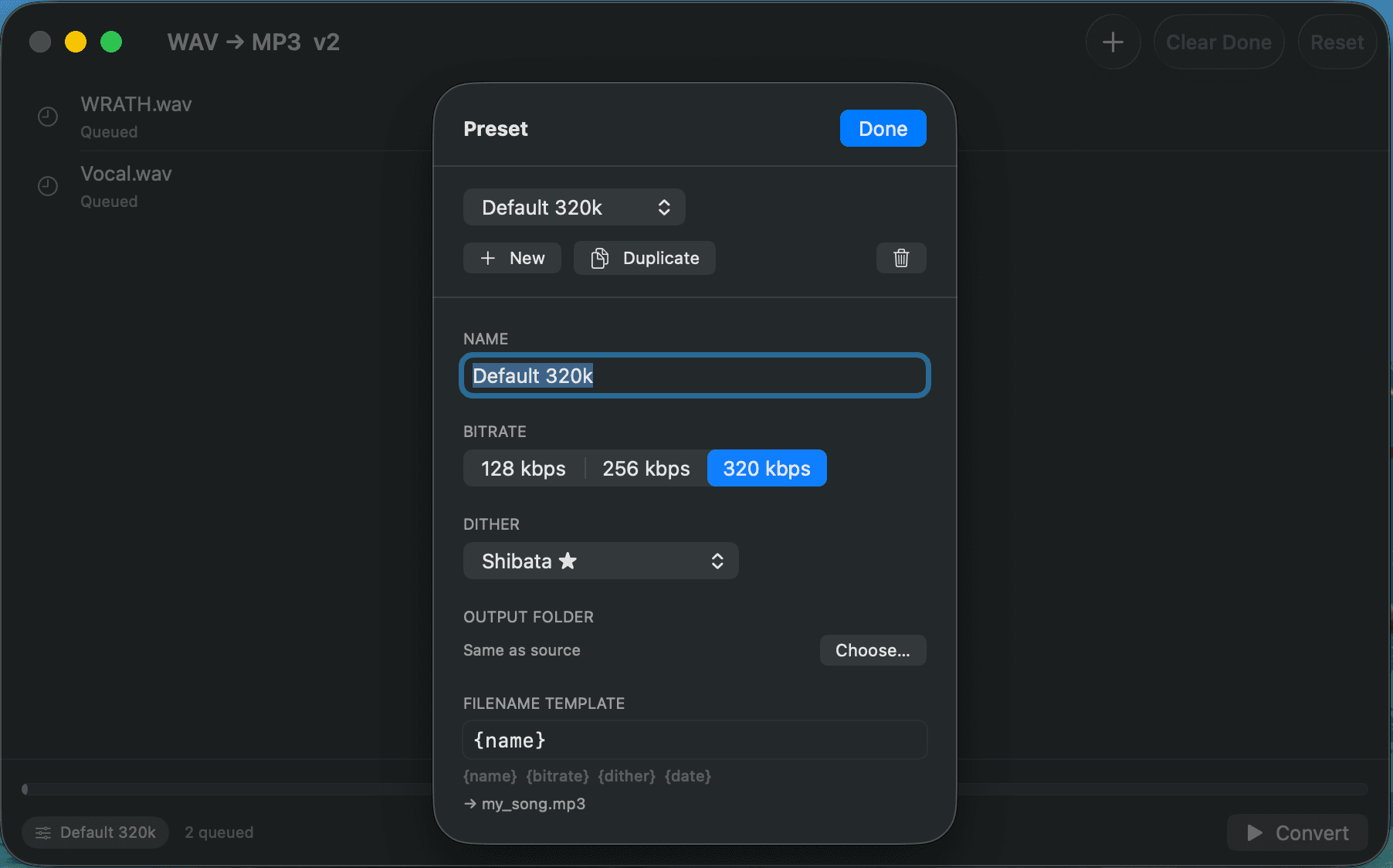
Save your favourite settings as named presets and switch between them in one click. Choose output format, audio bitrate (64–320 kbps), video quality (CRF), dithering algorithm (Shibata, Lipshitz, Triangular HP and more), output folder, and filename template with placeholders like {name}, {bitrate}, {format}, {date}.
Parallel conversion, instant results
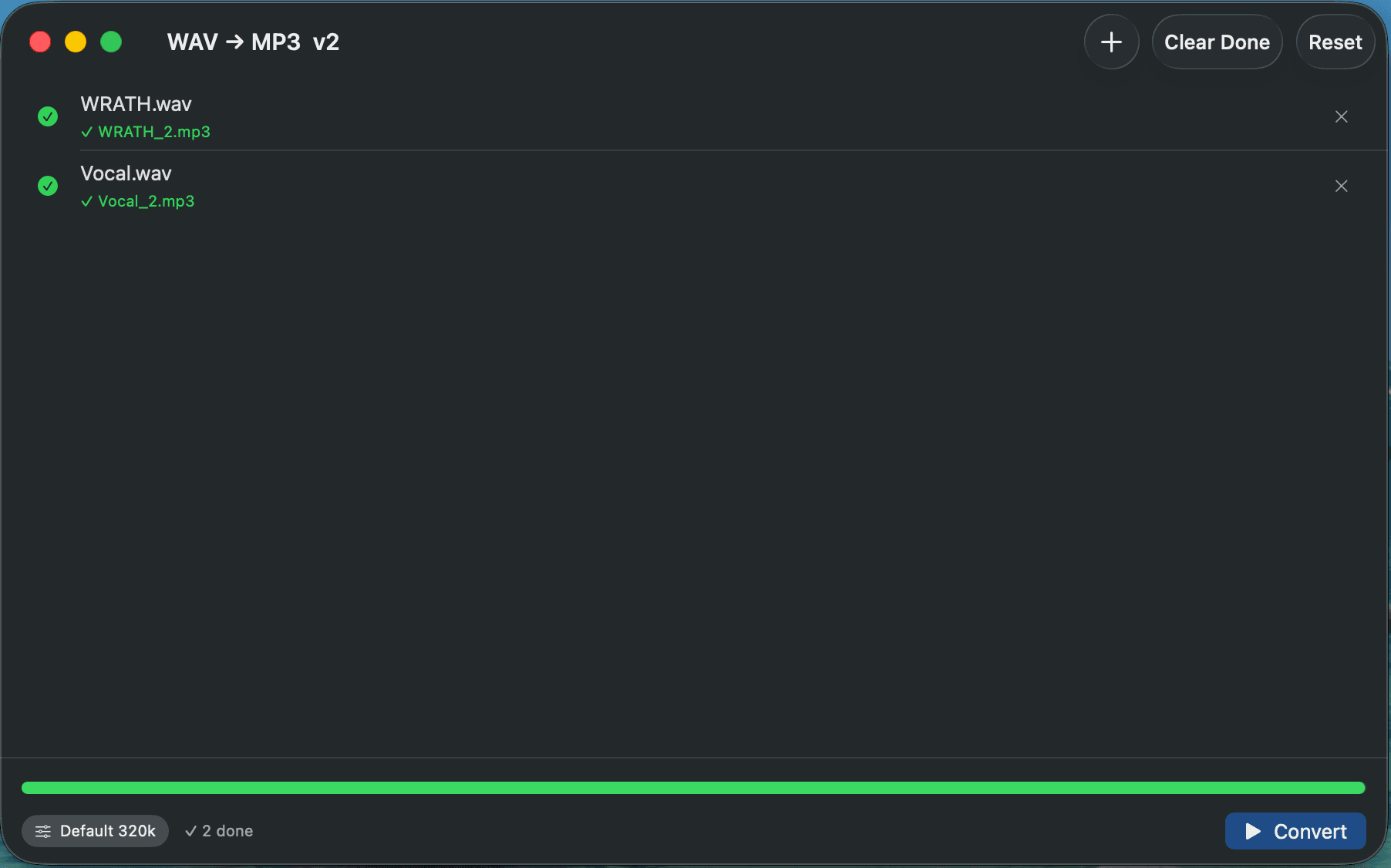
Drop as many files as you need. The app converts them in parallel using all available CPU cores, with a real-time progress bar for each file. When everything is done, Finder opens automatically with the converted files selected — ready to use.
Free download
Open the DMG, drag to Applications, start converting. No account, no subscription.
Download v2.1 · macOSRelease notes on GitHub →